Unlock Your Professional Profile: AI Photo Tips for a Polished Look
By Sandeep Rana ·
In our increasingly digital professional landscape, your profile photo is often the first impression you make. Whether it's for LinkedIn, a company directory, or your personal website, a polished and professional image can speak volumes about your attention to detail and credibility. The good news? You don't need a professional photographer to achieve this; AI photo editing apps like Beautify Me are here to help.
Start with a Strong Foundation: The Original Photo
Even with powerful AI tools, beginning with a decent photo makes a huge difference. Aim for natural lighting, a clear focus on your face, and a relatively neutral expression. A simple, uncluttered background is ideal, as it gives AI more to work with, allowing for cleaner edits and more professional results.
Master Your Background with AI Precision
A distracting or unprofessional background can instantly detract from your profile photo. This is where AI truly shines! Use an AI editor to seamlessly remove unwanted elements or even replace your background entirely with a solid professional color, a blurred office setting, or a subtle gradient. Beautify Me offers intuitive tools to achieve a clean, professional backdrop that keeps the focus squarely on you. You can download Beautify Me on the App Store to try it out for yourself: App Store">Beautify Me AI Photo Editor.
Subtle Facial Enhancements for a Polished Look
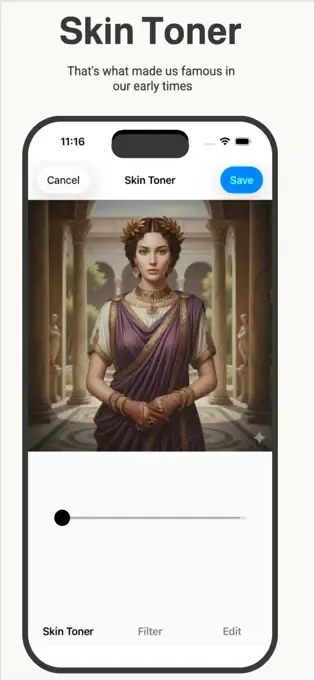
The goal for a professional profile photo is to look your best, not like a different person. AI tools can help with subtle, natural enhancements. Think gentle skin smoothing to even out complexion, a touch of teeth whitening, or brightening your eyes just enough to make them sparkle. Beautify Me allows you to fine-tune these adjustments, ensuring your photo looks naturally refined and confident, without appearing over-edited.
Perfect Lighting and Color Grading
Poor lighting can make even the best photo look amateurish. AI can correct lighting imbalances, brighten shadows, and ensure your face is well-lit and clear. Beyond lighting, consider applying a consistent color grade or filter that conveys professionalism. A slight warmth or a cool, crisp tone can make your photo feel more cohesive and polished, elevating its overall impact.
With these AI-powered tips, you're well on your way to crafting a professional profile photo that truly represents you. Experiment with Beautify Me to discover how easy it is to achieve a polished, impactful look that will help you stand out. Ready to transform your profile? Visit beautifymeapp.com">beautifymeapp.com to learn more and download the app today!