The Art of Natural: AI Skin Editing That Looks Real
By Sandeep Rana ·
AI photo editing has revolutionized how we enhance our selfies, but the key to truly stunning results lies in subtlety. While it's tempting to go all out, the goal for beautiful skin in AI edits should always be to enhance, not overhaul. Let's dive into how you can achieve that coveted natural look with your favorite editing tools.
Keep It Real: The Power of Subtle Smoothing
Over-smoothing is the quickest way to make your skin look artificial. Instead of aiming for a porcelain finish, focus on evening out skin tone and gently minimizing blemishes. Beautify Me for iPhone and iPad offers precise controls to reduce imperfections while preserving your natural skin texture, ensuring your selfies look refreshed and radiant, not fake. Discover this subtle enhancement by downloading Beautify Me today from the App Store: App Store.
Texture is Key: Don't Erase Your Natural Self
Real skin has texture, pores, and subtle variations – and that's beautiful! When using AI tools, pay attention to preserving these details. Some advanced features can even enhance the appearance of healthy skin texture rather than just blurring it away. A selfie that retains some of its natural character will always look more authentic and appealing than one that's been completely airbrushed.
Illuminate Naturally: Harnessing Light and Shadow
Lighting plays a crucial role in how skin appears in photos. Use AI editing to subtly adjust highlights and shadows to add depth and dimension to your face, mimicking flattering natural light. Avoid overly bright highlights or harsh, unnatural shadows, which can flatten your features or make your skin appear uneven. A well-lit face always looks more vibrant and real.
Healthy Glow: Perfecting Your Skin Tone
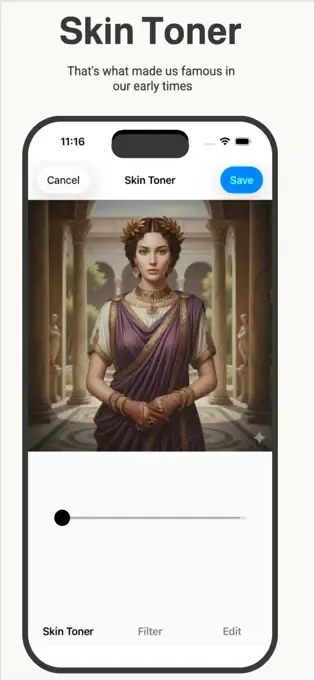
Achieving a natural look isn't just about texture; it's also about color. Use AI's color correction features to ensure your skin tone looks healthy and vibrant, not washed out or overly saturated. Adjust white balance and saturation subtly to match your natural complexion and the ambient lighting. Beautify Me can help you achieve that perfect, healthy glow without making your skin look artificial or overly tanned.
The Golden Rule: Edit with a Light Hand
The most important tip for natural-looking AI-edited selfies is restraint. Make small, incremental adjustments rather than drastic changes. Step away from your edit for a few minutes and then come back with fresh eyes to assess if it still looks genuinely *you*. Remember, the goal is to enhance your existing beauty, not to create a completely new persona.
With these tips and the powerful features of Beautify Me, you're well on your way to creating stunning, natural-looking AI-edited selfies. Download Beautify Me today and start perfecting your natural glow! Visit beautifymeapp.com to learn more.