Natural Glow: Achieving Authentic Skin in AI-Edited Selfies
By Sandeep Rana ·
AI photo editors have revolutionized the way we perfect our selfies, but sometimes the line between enhancement and artificiality can blur. While it's tempting to smooth every pore, the secret to a truly stunning selfie lies in achieving a natural, healthy glow. This guide will help you master the art of subtle AI editing for skin that looks genuinely radiant.
Embrace Imperfection, Enhance Perfection
When using AI tools, resist the urge to completely erase every pore or line. The goal isn't plastic perfection, but rather a refined version of your natural beauty. Beautify Me allows you to subtly smooth skin while retaining realistic texture, ensuring your selfie looks authentic and vibrant. Think of it as evening out your complexion rather than creating an entirely new one.
The Power of Subtle Smoothing
Many AI editors offer powerful skin smoothing features, but the trick is to use them sparingly. Instead of applying a blanket effect, target areas that might need a touch of evening out, like the forehead or chin, and leave areas around the eyes or mouth with their natural character. With Beautify Me, you can adjust the intensity of smoothing, allowing you to find that perfect balance between flawless and real. Get started on your journey to natural beauty at beautifymeapp.com.
Master the Art of Color Correction
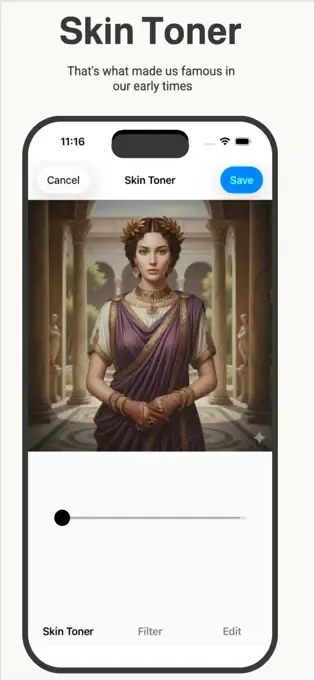
Natural-looking skin isn't just about texture; it's also about harmonious color. AI tools can help correct uneven skin tones, reduce redness, or add a healthy glow without making you look artificial. Experiment with features like warmth, saturation, and hue adjustments to bring out your best complexion, ensuring your skin looks vibrant and true to life in every photo.
Strategic Blemish & Spot Removal
While we advocate for natural beauty, temporary blemishes or a stray pimple can be subtly addressed. Instead of using a heavy-handed 'erase all' tool, opt for precise spot removal features that target specific imperfections without affecting the surrounding skin texture. This ensures that your skin still looks authentic, just on a really good day!
The Final Touch: Natural Radiance
After refining your skin, consider adding a touch of natural radiance. This could be a subtle highlight to your cheekbones, a gentle brightening of the under-eye area, or a slight adjustment to overall exposure to mimic soft, flattering light. These small tweaks, when done with a light hand, can elevate your selfie from good to absolutely stunning, making your skin truly shine.
Achieving natural-looking skin in your AI-edited selfies is all about balance and subtlety. By focusing on enhancement rather than complete transformation, you can celebrate your unique beauty with every shot. Download Beautify Me today and discover how effortless it is to create stunning, authentic selfies that truly reflect you! Visit beautifymeapp.com to learn more.